 Microsoft’s newest version of Windows is in public beta and I’ve decided to have a look at it. I’ve installed in it a Virtual Machine on Sun’x VirtualBox. It looks like it doesn’t work on Vmware Server less than version 2.
The install process was very simple, insert the disk and click install and wait. After it copies all files it restarts and then asks the standard questions about time, username, password, serial key, and automatic updates. After that you will be greeted by the new desktop. The first thing you’ll notice is the taskbar is cleaner and when you open programs it displays icons instead of names of the programs, then you hover over the icons to see a preview of the window. Although the Aero interface wasn’t available in the virtual machine it is still part of 7.

I’ve very limited experience with Vista but this version of Windows seems like it fixed some of the problems with Vista and made other improvements along the way. I took a few screenshots of the install screen and of the desktop.
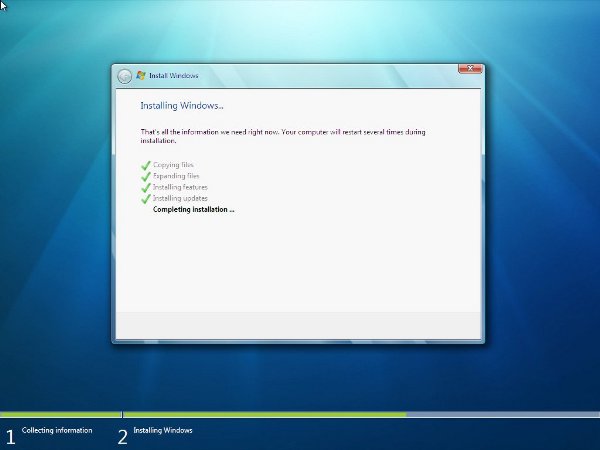
This is the very basic install screen
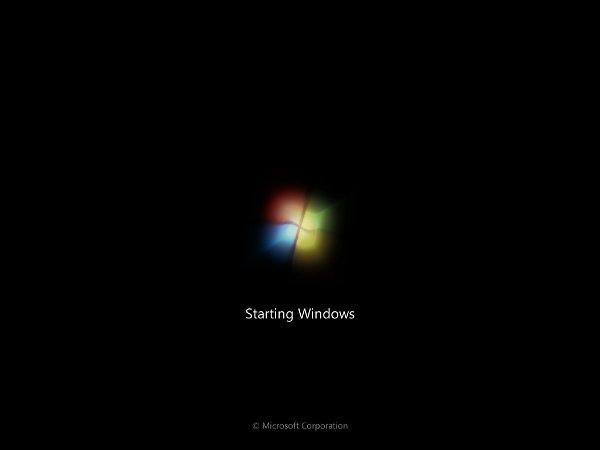
This is the boot screen
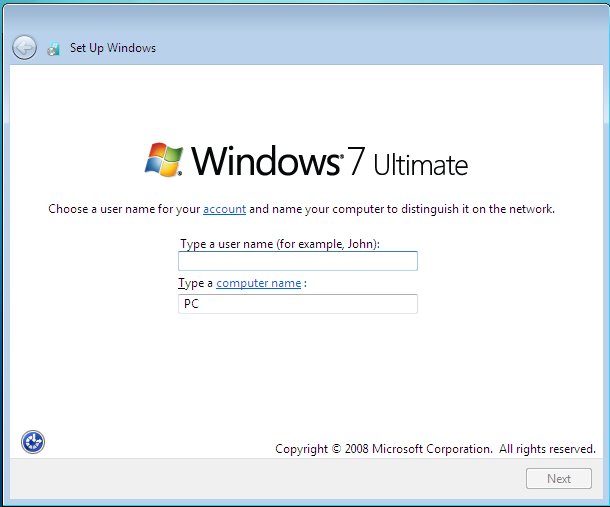
One of the setup screens after installation
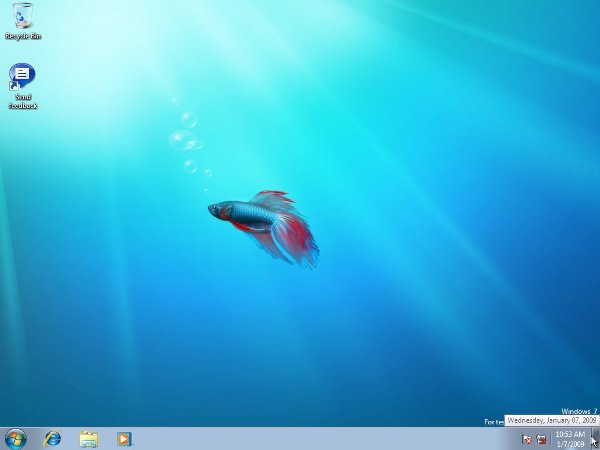
This is the way the default desktop looks after install.

