I promised some screen shots and that’s what I’m giving.
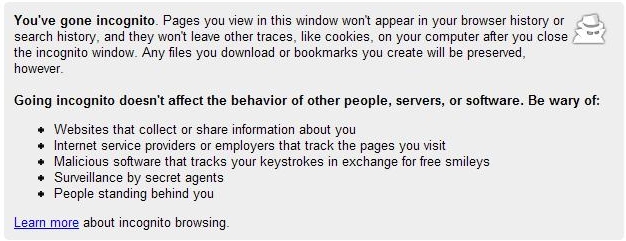
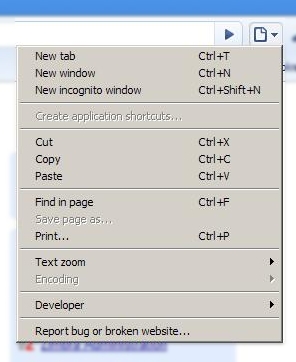
One of the nice features I’ve found so far is the incognito window, this makes a function that is only available through a plugin in Firefox built in. In essence it is doesn’t keep track of what you do in that window. So if you happen to be on some inappropriate sites no one will ever know.
The biggest difference that I can see is that Chrome doesn’t use some of Mozilla’s custom CSS tags such as -moz-border-radius which makes pretty rounded buttons in Firefox. I’ve done a little side by side screen shot to show what I mean. Since all the screens are large I’m going to post them on the full page click below to continue on to the screens.
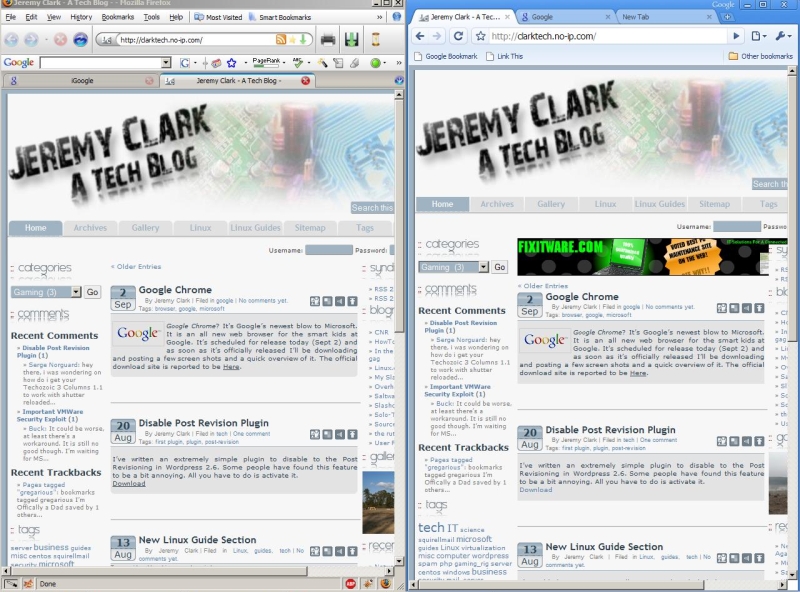
This is a screen comparing Firefox and Chrome.
The only difference I can spot is the rounded corners on the navigation buttons.
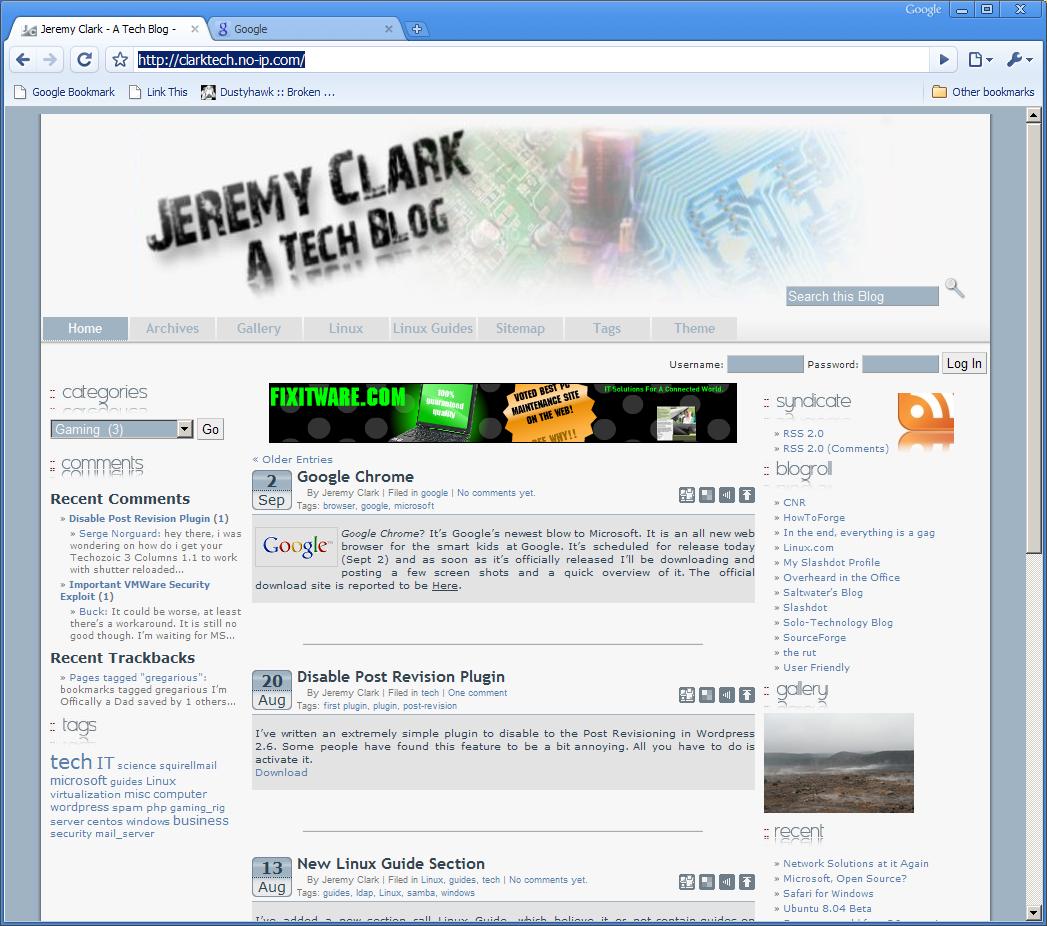
This is a full size shot of Chrome.
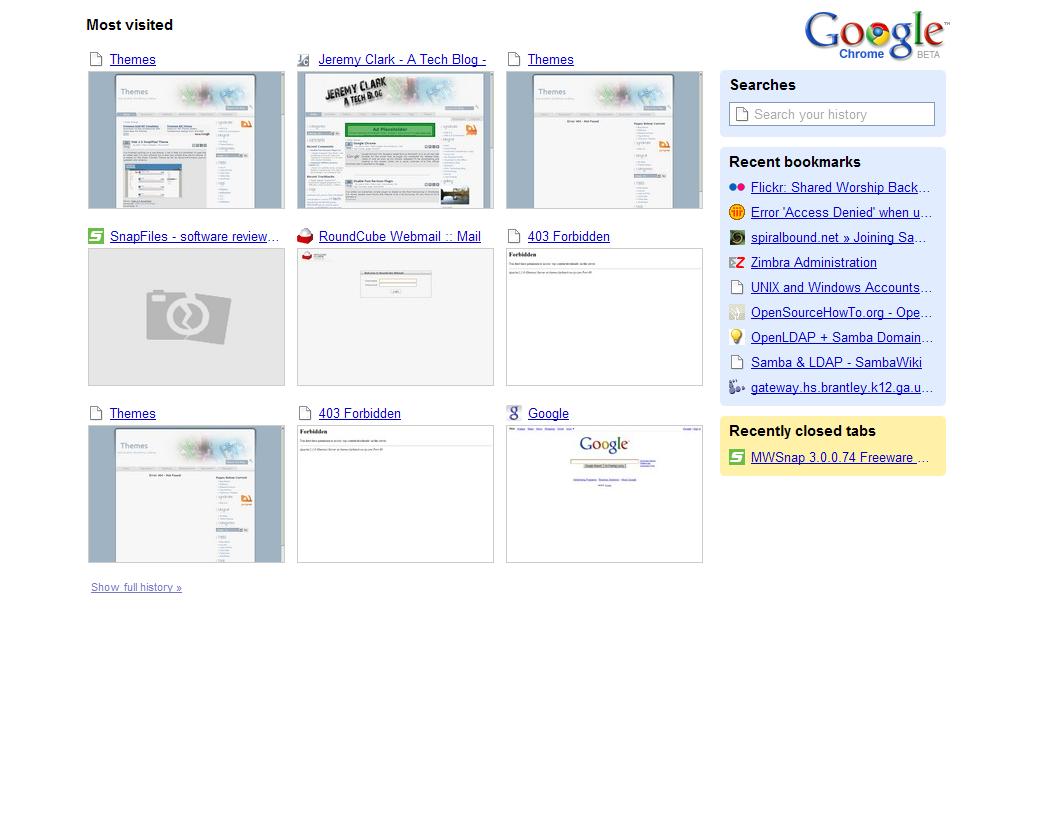
This is the Recently opened tab

This is the funny little Incognito Window Warning.